
Simple tools to build and run your digital menu
Everything you need to arrange dishes, keep prices up to date, and give diners a fast, enjoyable experience.
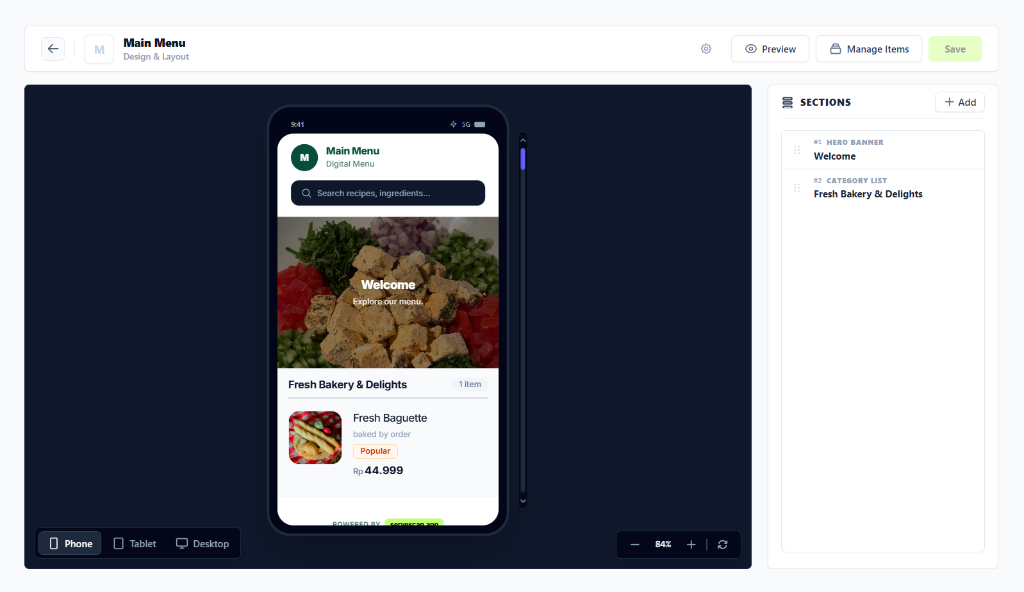
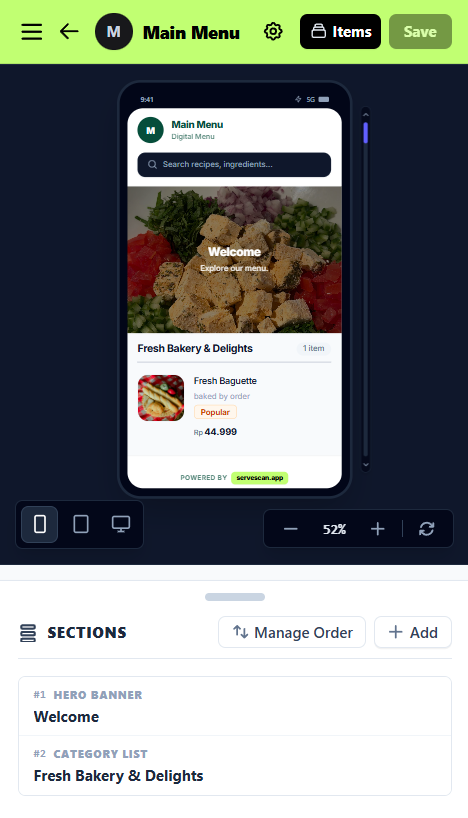
Live menu builder with instant mobile preview and modular section manager
Built for busy restaurants, cafes, and food shops
Simple features that save time for your staff and make ordering easy for your guests.
Visual Menu Layout Builder
Add welcome banners, group food and drinks into clear categories, and reorder sections with drag-and-drop ease.
Custom Venue Branding
Upload your logo for the header and browser tab. Add custom banner photos so your menu looks great when shared on social media.
Instant Sold-Out Switch
Ran out of ingredients during dinner rush? Turn off any dish in one click so customers never order something unavailable.
Quick Price Changes & Portion Variants
Update prices in seconds without reprinting. Add multiple prices for portion sizes (Regular / Large), temperature (Hot / Iced), or add-ons.
Custom Dish Tags
Tag items with labels like Best Seller, Chef's Recommendation, Spicy, Seasonal, Vegan, or create any custom badge you want.
Fast Ingredient & Dish Search
Diners can type in the search bar to find dishes, drinks, or ingredients right away without scrolling through the whole menu.
Service Hours Notice
Display a clear notice at the top of the menu with your breakfast, lunch, or dinner hours so diners know when meals are served.
Quick Share & QR Code Studio
Share your direct menu link on WhatsApp or your Instagram bio, and download crisp vector QR codes ready to print on table stands.
Share your menu with one tap
Sharing your digital menu shouldn't feel like sending a dry link or a clunky PDF. ServeScan creates rich, appetizing previews across every messaging and social app.
Native Device Sharing
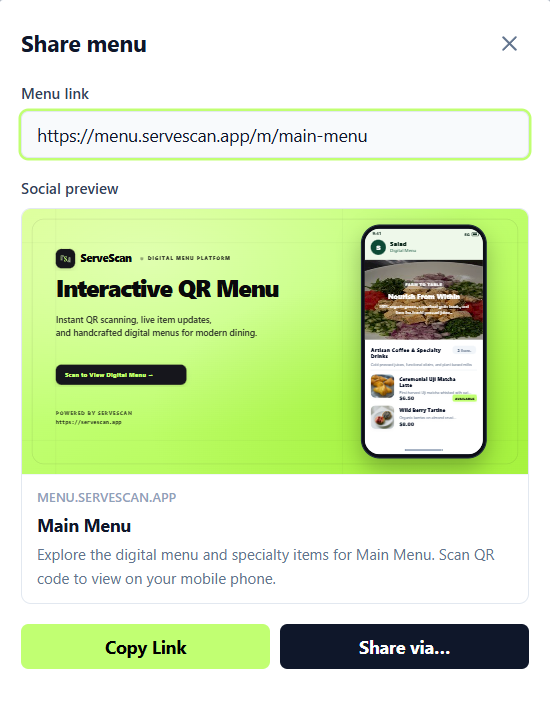
Tap 'Share via...' to open your phone or computer's native sharing menu. Send directly to WhatsApp chats, Messages, or AirDrop in a single tap without manually copying and pasting.
One-Tap Short Link Copy
Copy your clean menu link (menu.servescan.app/m/your-menu) to paste into your Instagram bio, Google Maps business listing, or promo broadcast.
Custom Social Banner (OpenGraph)
Pro+ PlanUpload your own signature food photo and custom tagline so shared cards look like a beautiful personal invitation. Free accounts automatically include a clean branded preview.
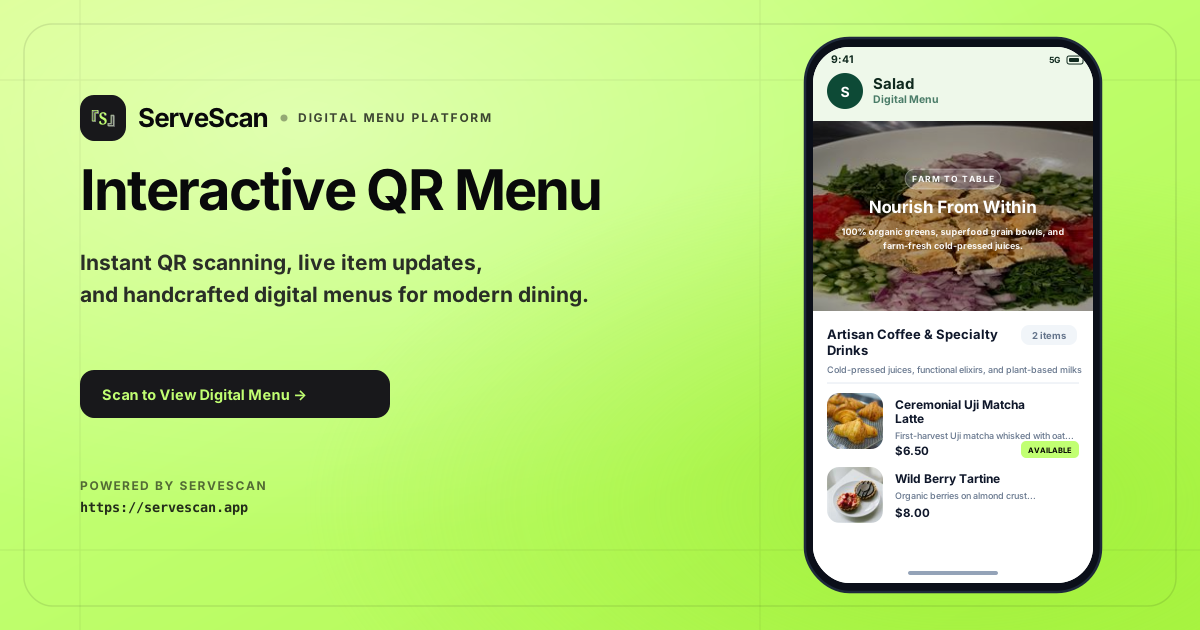
Main Menu
Explore the digital menu and specialty items for Main Menu. Scan QR code to view on your mobile phone.
Table QR codes and print exports
Practical details on how diners scan your menu and how to print your table QR codes.
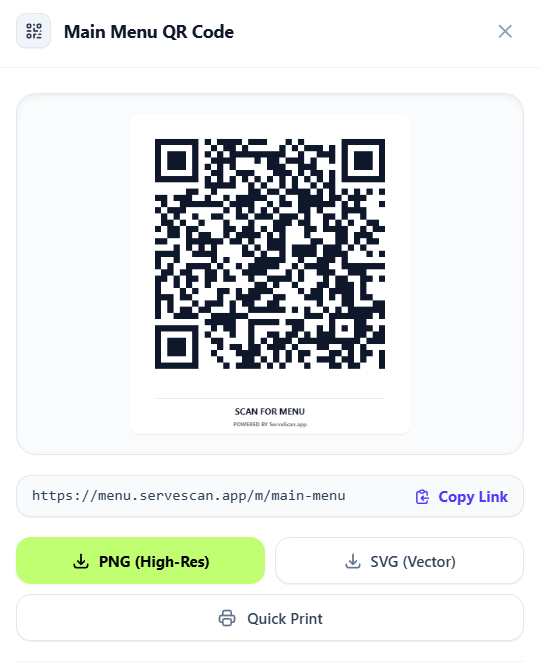
Dynamic permanent link
The QR code links directly to your digital menu URL. You can update menu items, prices, and sold-out badges anytime without having to reprint stickers or table stands.
Vector SVG and high-resolution PNG
Download vector SVG files for clean print shop production, or high-res PNG files for standard desktop printing.
Built-in quick print
Print ready-to-cut tent cards and table stickers directly from your dashboard in standard paper sizes.
Just need a one-off QR code for any link?
Use our free standalone QR code generator with your custom URL and logo.
Designed for effortless diner browsing on any smartphone
Zero apps to install, zero logins required. Diners simply point their smartphone camera at your QR code, and your menu opens in under a second in Safari or Chrome.
Instant Search for Dishes & Ingredients
Guests can instantly search for specific dishes or dietary ingredients in seconds.
Custom Tags & Chef Recommendations
Highlight house specials, best sellers, or seasonal drinks right above the item title.
Organized Sections & Categories
Organize hero banners, food categories, and dessert sections in the exact order you want.
Ready to elevate your dining room?
Create your interactive digital menu in minutes. Start for free with zero commitment.